Hide columns in your Formspree submission table
Hey Demo,
Your Formspree submission table doesn't need to show everything at once. Sometimes less is more when scanning for specific data like leads or feedback trends.
If you want a sharper view, click on the Settings link on the top right corner of your submissions table:
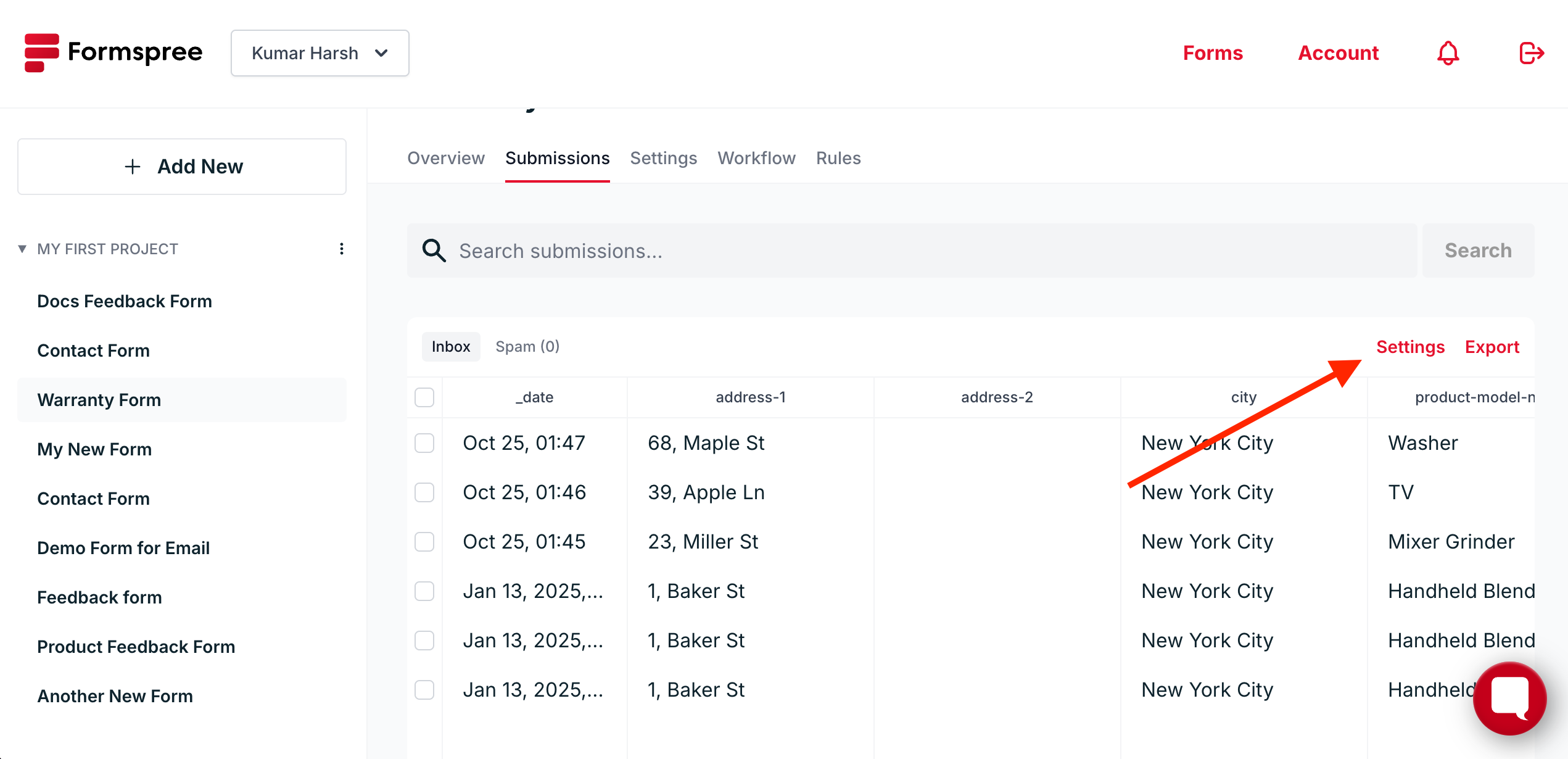
And deselect the columns you want to hide:

Once you click OK, you'll be left with a much cleaner view of your submissions:

Hidden columns are still stored safely. You're just decluttering your workspace. It's a small tweak that makes your form data easier to browse and your workflow a little tighter.
//Cole
Cofounder, Formspree.io


Comments
Post a Comment